Start with the download page
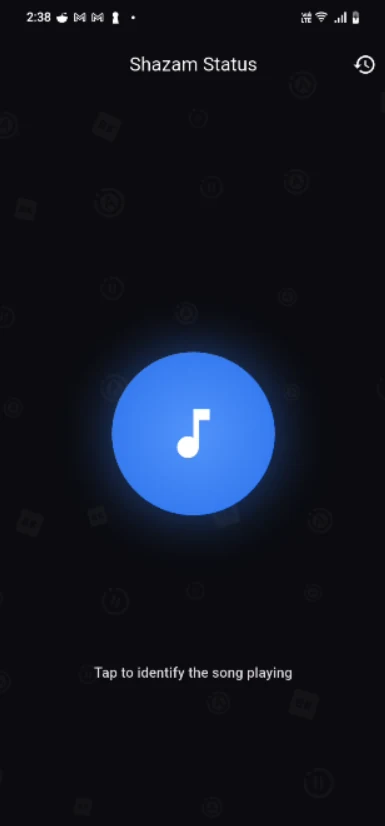
The Shazam Status page on Chochote links to the existing version 1.1.1 APK hosted by the Shazam Status website. The app identifies music and creates a vertical music status. Downloads are provided directly as Android packages, outside Google Play; there is no iPhone download on this page.
Choose the build for your phone
The main download is the arm64-v8a build for compatible 64-bit Android phones, approximately 63.6 MB. A separate armeabi-v7a build is available for compatible older 32-bit phones, approximately 97.2 MB. Both require Android 7.0 or newer. If you are unsure about your phone’s architecture, check its manufacturer specifications or ask for help before choosing.
Follow your phone’s installation prompts
Open the downloaded APK on a compatible Android phone and read the system prompts. Android handles installation permissions differently across versions and manufacturers. Keep Play Protect enabled, and follow the device provider’s instructions if installation is blocked. Do not turn off a protection just because a website asks you to. Microphone permission is relevant to identifying music; review the permissions requested by the app when you use it.
Check the file details and keep expectations clear
The download page displays the version, architecture, file size and SHA-256 checksum for each supplied build. A matching checksum checks that file contents agree; it is not a security audit or a guarantee that software is safe. Downloading an app also does not grant permission to redistribute music or other content. Use the app with content you are allowed to share.
Official sources & further reading
- Google: download apps to an Android device
- Android: alternative distribution and installation permissions
Interfaces and advice can change. Check the provider’s current instructions for your device.